
6 min read • 1,286 words
What Is Electron and What Apps Can You Build With It?
What Is Electron? It is a powerful framework that enables developers to create cross-platform desktop applications using familiar web technologies such as HTML, CSS, and JavaScript. This capability is significant because it allows developers to leverage their existing web development skills to build native applications for various operating systems, including Windows, macOS, and Linux. By utilizing Electron, developers can package their web applications as native apps, providing users with a seamless experience across different platforms.
In this article, readers will discover the versatility of Electron and learn about popular applications built with this framework, such as Visual Studio Code, Slack, and Discord. Additionally, we will explore how Electron allows apps to access native operating system features like the file system and notifications through Node.js integration. Understanding Electron opens up new possibilities for developers looking to create robust and user-friendly desktop applications.
Getting Started with Electron
To begin your journey with Electron, it’s essential to set up the right environment. The prerequisites for setting up an Electron environment include having Node.js installed on your machine, as Electron is built on top of it. You can download Node.js from its official website. Additionally, a code editor like Visual Studio Code or Atom will make your development process smoother.
Once you have the prerequisites in place, follow this step-by-step guide to create a basic Electron app:
- Open your terminal and create a new directory for your project:
- Navigate into the directory:
- Initialize a new Node.js project:
- Install Electron as a development dependency:
- Create a file named
main.jsand add the following code: - Create an
index.htmlfile with basic HTML content. - Finally, add a start script in your
package.json:
mkdir my-electron-appcd my-electron-appnpm init -ynpm install electron --save-devconst { app, BrowserWindow } = require('electron');
function createWindow() {
const win = new BrowserWindow({
width: 800,
height: 600,
webPreferences: {
nodeIntegration: true
}
});
win.loadFile('index.html');
}
app.whenReady().then(createWindow);"start": "electron ."Understanding the distinction between the main process and the renderer process is crucial. The main process controls the lifecycle of the application and manages windows, while the renderer process is responsible for displaying the user interface and running web pages.
To enhance your Electron development, consider using tools and libraries such as:
- Electron Builder: For packaging your app for distribution.
- Electron Forge: A complete tool for scaffolding, building, and packaging Electron apps.
- React or Vue: For building dynamic user interfaces within your Electron app.
By following these steps and utilizing these tools, you can effectively start building applications with Electron.
Types of Applications You Can Build with Electron
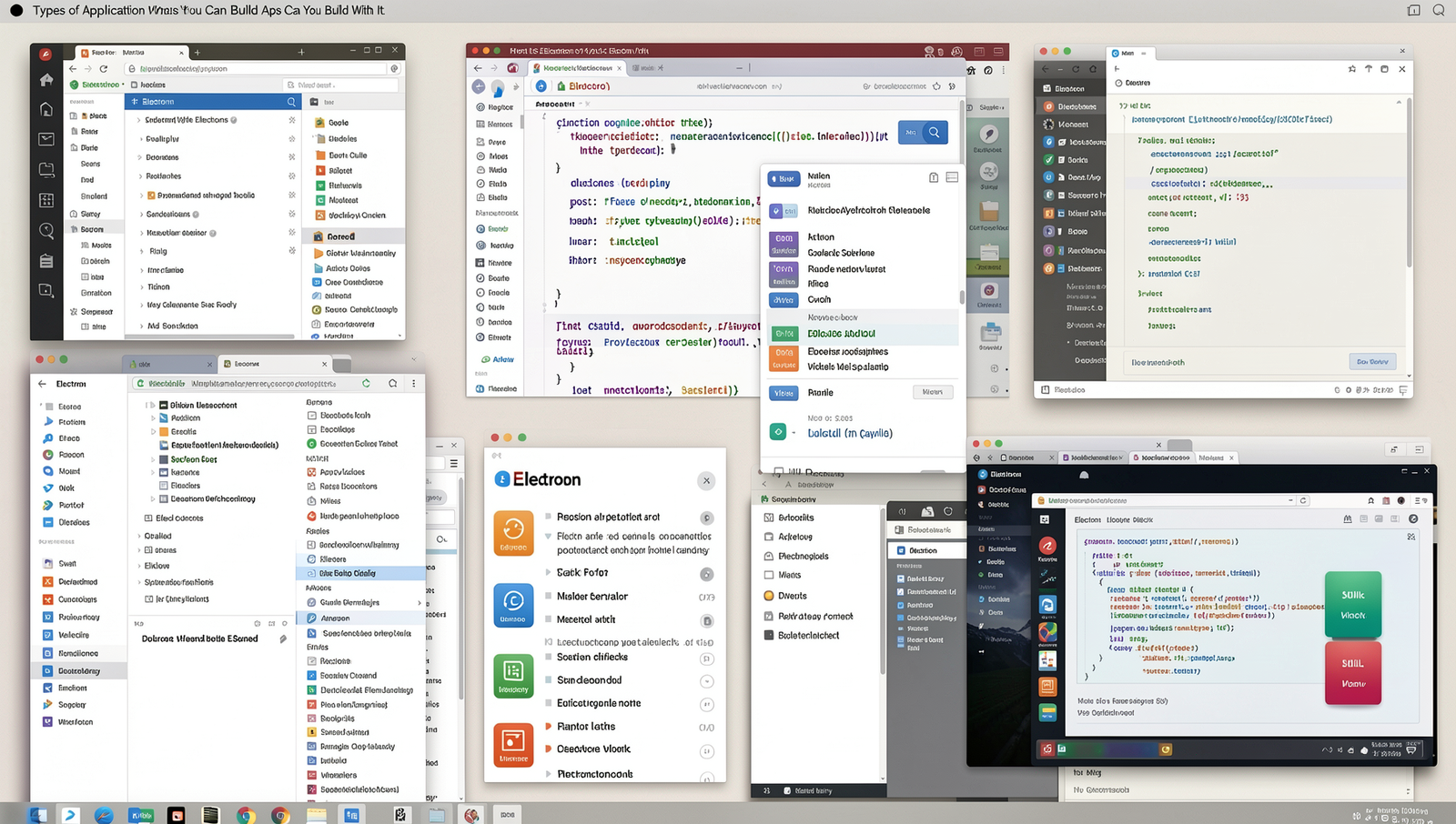
Electron is a powerful framework that allows developers to create cross-platform desktop applications using web technologies such as HTML, CSS, and JavaScript. This versatility opens the door to a wide range of applications that can run seamlessly on Windows, macOS, and Linux. Below are some of the types of applications you can build with Electron.
- Desktop Applications: Electron is ideal for building traditional desktop applications that provide a native experience. Popular examples include Visual Studio Code, Slack, and Discord, which leverage the framework to deliver robust functionality across different operating systems.
- Cross-Platform Tools and Utilities: Developers can create tools that enhance productivity or automate tasks. Applications like Postman, which is used for API testing, and GitHub Desktop, which simplifies version control, are excellent examples of utilities built with Electron.
- Media Players and Content Management Systems: Electron can be used to develop media players that support various formats and content management systems that allow users to organize and manage their digital assets. Applications like Spotify and WordPress Desktop are built using Electron, providing users with rich media experiences.
- Collaboration and Productivity Apps: Electron is well-suited for applications that facilitate teamwork and enhance productivity. Tools like Trello and Notion utilize Electron to offer users a cohesive platform for project management and note-taking.
In summary, the flexibility of Electron enables developers to create a diverse array of applications that cater to various user needs, making it a popular choice in the software development landscape.
Best Practices and Tips for Electron Development
When developing applications with Electron, it’s essential to follow best practices to ensure optimal performance, security, and user experience. Here are some key considerations:
Optimizing Performance and Memory Usage
Electron applications can be resource-intensive, so optimizing performance is crucial. Here are some strategies:
- Use
webPreferencesto disable unnecessary features such asnodeIntegrationandcontextIsolationwhen not needed. - Lazy load modules and components to reduce initial load time.
- Minimize the use of heavy libraries and frameworks; prefer lightweight alternatives.
- Regularly profile your application using Chrome DevTools to identify bottlenecks.
Security Considerations
Security is paramount when building Electron apps. Here are some practices to enhance security:
- Always validate and sanitize user input to prevent injection attacks.
- Use
Content Security Policy (CSP)to mitigate cross-site scripting (XSS) risks. - Keep your Electron version up to date to benefit from the latest security patches.
- Avoid exposing sensitive data through the renderer process.
Packaging and Distributing Your Electron Application
Once your application is ready, packaging it correctly is vital for distribution. Use tools like electron-builder or electron-packager to create installers for different platforms:
npm install electron-builder --save-devThis command installs the necessary package for building your application.
Resources for Further Learning and Community Support
To continue improving your Electron skills, consider exploring the following resources:
- The official Electron documentation.
- Online courses on platforms like Udemy or Coursera.
- Community forums such as Stack Overflow and the Electron GitHub repository.
Engaging with the community can provide valuable insights and assistance as you develop your applications.
Conclusion
In summary, Electron is a powerful framework that enables developers to create cross-platform desktop applications using web technologies like HTML, CSS, and JavaScript. By leveraging familiar tools and languages, Electron simplifies the development process, allowing for rapid prototyping and deployment across multiple operating systems. Its ability to integrate with native APIs further enhances the functionality of applications, making it a popular choice among developers for building everything from simple utilities to complex productivity tools.
As you explore the possibilities of what you can create with Electron, consider the extensive community support and rich ecosystem of libraries available. Whether you are building a personal project or a commercial application, Electron provides the flexibility and scalability needed to bring your ideas to life. Start experimenting with Electron today and unlock the potential of desktop application development using web technologies.
Frequently Asked Questions
What is Electron?
Electron is an open-source framework that enables developers to build cross-platform desktop applications using web technologies such as HTML, CSS, and JavaScript. It combines the Chromium rendering engine and the Node.js runtime, allowing for rich user interfaces and access to system resources.
What types of apps can be built with Electron?
With Electron, developers can create a wide range of applications, including text editors, media players, productivity tools, and even complex software like integrated development environments (IDEs). Its flexibility allows for both simple and feature-rich applications tailored to user needs.
Is Electron suitable for large applications?
Yes, Electron can be suitable for large applications, but developers should be mindful of performance and resource management. While it provides a robust framework, large applications may require optimization to ensure smooth performance and efficient memory usage across different platforms.
What are some popular apps built with Electron?
Many well-known applications are built with Electron, including Visual Studio Code, Slack, and Discord. These applications leverage Electron’s capabilities to deliver a seamless user experience while maintaining the flexibility of web technologies for development.