6 min read • 1,322 words
What Is an IDE and Why Do Programmers Need One?
In the world of software development, understanding what is an IDE is crucial for both novice and experienced programmers. An Integrated Development Environment (IDE) is a comprehensive tool that combines various features essential for coding, debugging, and testing applications all in one place. This integration allows developers to streamline their workflow, making it easier to manage projects efficiently. With features like code completion, syntax highlighting, and version control integration, IDEs enhance the coding experience and reduce the likelihood of errors.
Using an IDE can significantly boost a programmer’s productivity. The debugging tools provided by these environments help identify and fix errors in code more efficiently than manual methods. Additionally, many popular programming languages have dedicated IDEs tailored to their specific syntax and features, making it easier for developers to write and maintain their code. In this article, we will explore the various aspects of IDEs and why they are indispensable in modern programming.

Key Features of an IDE
An Integrated Development Environment (IDE) is a powerful tool that streamlines the programming process. One of the most essential features of an IDE is its code editor, which often includes syntax highlighting and auto-completion. Syntax highlighting allows programmers to easily identify different elements of their code, such as variables, functions, and keywords, by displaying them in various colors. This visual aid significantly enhances readability and helps prevent errors. Auto-completion, on the other hand, suggests possible completions for partially typed code, which can speed up the coding process and reduce the likelihood of typos.
Another critical feature of an IDE is integrated debugging tools. These tools enable programmers to detect and fix errors in their code efficiently. With features like breakpoints, step-through execution, and variable inspection, developers can closely monitor their code’s execution flow and identify issues in real-time. This capability is invaluable for maintaining code quality and ensuring that applications run smoothly.
Build automation tools are also a key component of an IDE. These tools help automate the process of compiling code, which can be time-consuming if done manually. By streamlining this process, programmers can focus more on writing code rather than managing builds. Additionally, many IDEs offer version control integration, allowing teams to collaborate more effectively. With built-in support for systems like Git, developers can easily track changes, manage branches, and collaborate on projects without leaving the IDE.
- Code editor with syntax highlighting and auto-completion
- Integrated debugging tools for error detection
- Build automation tools for compiling code
- Version control integration for collaboration

Benefits of Using an IDE for Programmers
Integrated Development Environments (IDEs) have become essential tools for programmers, offering a range of benefits that significantly enhance the coding experience. One of the primary advantages is increased productivity through streamlined workflows. IDEs provide features such as code completion, syntax highlighting, and easy navigation, allowing developers to write code more efficiently. For example, a programmer can quickly access functions and variables without having to remember their exact names, saving time and reducing frustration.
Another crucial benefit is error reduction, as IDEs often include real-time feedback and debugging tools. These features help programmers identify and fix errors as they code, rather than waiting until the end of the development process. For instance, if a developer makes a syntax error, the IDE will highlight the mistake immediately, allowing for quick corrections. This capability not only improves code quality but also enhances the overall development speed.
Enhanced code organization and management is another significant advantage of using an IDE. Most IDEs come with built-in project management tools that help developers keep their code organized. They can easily manage files, libraries, and dependencies, which is particularly useful in larger projects. Additionally, IDEs often support version control integration, allowing teams to collaborate more effectively.
- Support for multiple programming languages: Many IDEs are versatile and can handle various languages, making them suitable for diverse projects.
- Customizable interfaces: Developers can tailor the IDE to their preferences, enhancing usability.
- Built-in documentation: Access to documentation within the IDE can streamline the learning process and improve coding efficiency.
In summary, the benefits of using an IDE are numerous, making them indispensable tools for modern programmers. From boosting productivity to reducing errors, IDEs play a vital role in the software development lifecycle.
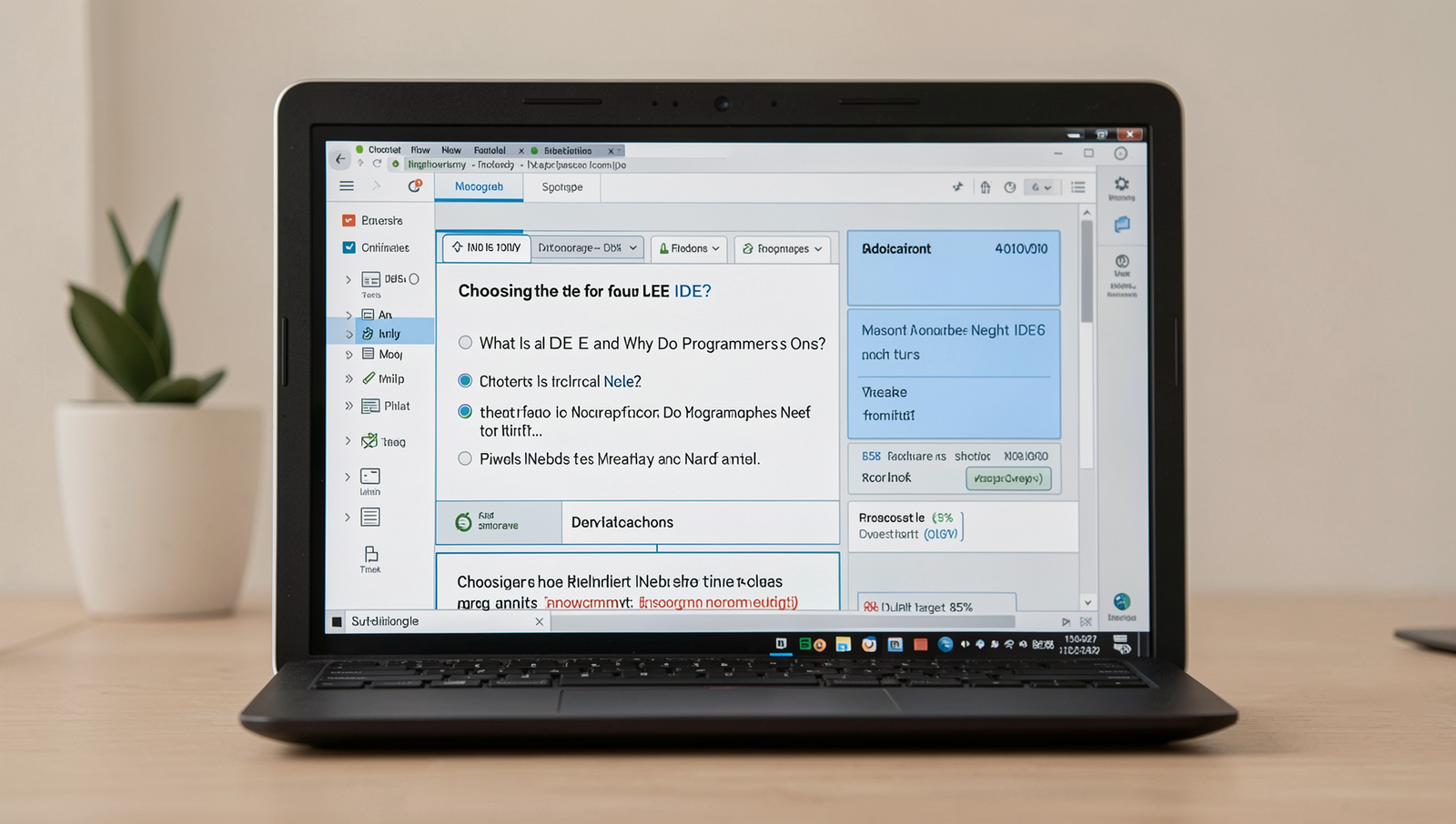
Choosing the Right IDE for Your Needs
When it comes to selecting an Integrated Development Environment (IDE), several factors should be taken into account to ensure it aligns with your specific requirements. One of the primary considerations is the programming language you are using. Different IDEs are optimized for different languages; for example, Visual Studio is excellent for C# and .NET development, while PyCharm is tailored for Python. Additionally, the type of project you are working on can influence your choice. For web development, WebStorm or VS Code might be more suitable, whereas mobile app development could benefit from Xcode or Android Studio.
Another important aspect is evaluating the features of the IDE based on your personal or team needs. Some developers may prioritize debugging tools, while others might need robust version control integration. Features such as code completion, syntax highlighting, and customizable interfaces can significantly enhance productivity. It’s essential to assess whether the IDE supports plugins or extensions that can further tailor the environment to your workflow.
- Community support and resources are also crucial. An IDE with a strong user community can provide valuable resources, such as tutorials, forums, and plugins.
- Consider whether the IDE has trial versions or open-source options available. This allows you to test the software before committing to a purchase.
Ultimately, the right IDE can streamline your development process, making it easier to write, test, and debug code efficiently.
Conclusion
In summary, an Integrated Development Environment (IDE) is a crucial tool for programmers, streamlining the coding process by combining essential features such as code editing, debugging, and project management into a single interface. By providing a user-friendly environment, IDEs enhance productivity and reduce the likelihood of errors, allowing developers to focus on writing high-quality code. The benefits of using an IDE include improved efficiency, better organization of projects, and access to powerful tools that facilitate collaboration and version control.
As you explore the question of “What Is an IDE,” consider trying out various IDEs to find one that best suits your workflow and programming needs. Many IDEs offer extensive documentation and community support, making it easier for newcomers to get started. By integrating an IDE into your development process, you can significantly enhance your coding experience and ultimately produce more robust and maintainable software.
Frequently Asked Questions

What is an IDE?
An Integrated Development Environment (IDE) is a software application that provides comprehensive facilities to programmers for software development. It typically includes a code editor, debugger, and build automation tools, all integrated into a single interface to streamline the coding process.
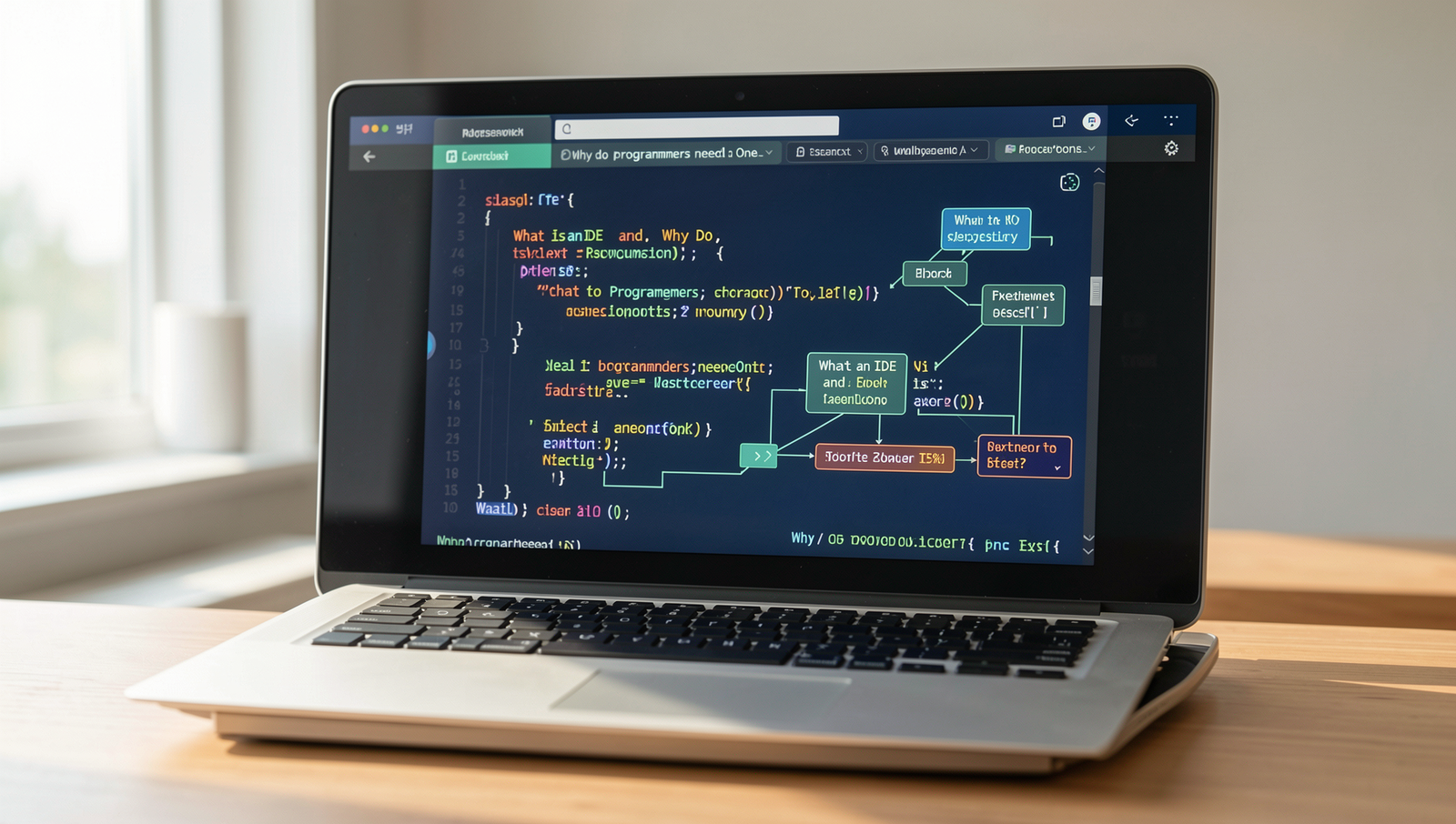
Why do programmers need an IDE?
Programmers need an IDE to enhance productivity and efficiency. An IDE simplifies the coding process by providing features like syntax highlighting, code completion, and error detection, which help developers write code more quickly and accurately, reducing the likelihood of bugs.
What are the benefits of using an IDE?
The benefits of using an IDE include improved code management, easier debugging, and integrated version control. These features allow developers to focus on writing code rather than managing files or troubleshooting errors, ultimately leading to faster and more efficient development cycles.
Can you use a text editor instead of an IDE?
Yes, you can use a text editor instead of an IDE, but it may lack many of the advanced features that enhance productivity. While simple text editors are lightweight and flexible, they often require additional tools for debugging and project management, which an IDE provides seamlessly.