6 min read • 1,336 words
What Is Flutter and How Does It Work?
In the ever-evolving landscape of software development, understanding what is Flutter is crucial for developers looking to create high-performance applications. Flutter is an open-source UI software development toolkit created by Google, enabling developers to build natively compiled applications for mobile, web, and desktop from a single codebase. This capability significantly reduces development time and effort, making it an attractive option for both startups and established companies.
By utilizing the Dart programming language, which is optimized for building user interfaces, Flutter allows for smooth and responsive app experiences. Its architecture is based on a reactive framework, which facilitates efficient UI updates, ensuring that applications remain dynamic and engaging. Additionally, Flutter comes equipped with a rich set of pre-designed widgets that adhere to specific design languages like Material Design, providing developers with the tools they need to create visually appealing applications with ease.
How Flutter Works
Flutter is a UI toolkit that utilizes the Dart programming language, which was developed by Google. Dart is an object-oriented language that is easy to learn and offers features such as strong typing, asynchronous programming, and a rich standard library. These characteristics make Dart particularly well-suited for building mobile applications, as it allows developers to write efficient and maintainable code. The use of Dart enables Flutter to achieve high performance, as it compiles to native code for both iOS and Android platforms.
At the core of Flutter’s architecture is the widget tree structure. In Flutter, everything is a widget, from buttons and text to layout structures. This widget tree is a hierarchical representation of the UI, where each widget can contain other widgets. The importance of this structure lies in its ability to create complex UIs by composing smaller, reusable components. Developers can easily manage and update the UI by modifying the widget tree, which enhances code maintainability and reusability.
The rendering process in Flutter is another critical aspect of how it works. Flutter uses a high-performance rendering engine called Skia, which draws UI components directly onto the screen. This approach allows for smooth animations and transitions, as Flutter does not rely on the native platform’s UI components. Instead, it creates its own rendering pipeline, which provides greater control over how the UI is displayed.
- Flutter’s architecture promotes a reactive programming model.
- Widgets can be stateful or stateless, allowing for dynamic UI changes.
- The framework supports hot reload, enabling developers to see changes instantly.
In summary, understanding how Flutter works involves recognizing the significance of the Dart programming language, the widget tree structure, and the rendering process. These elements combine to create a powerful framework for building cross-platform applications efficiently.
Getting Started with Flutter
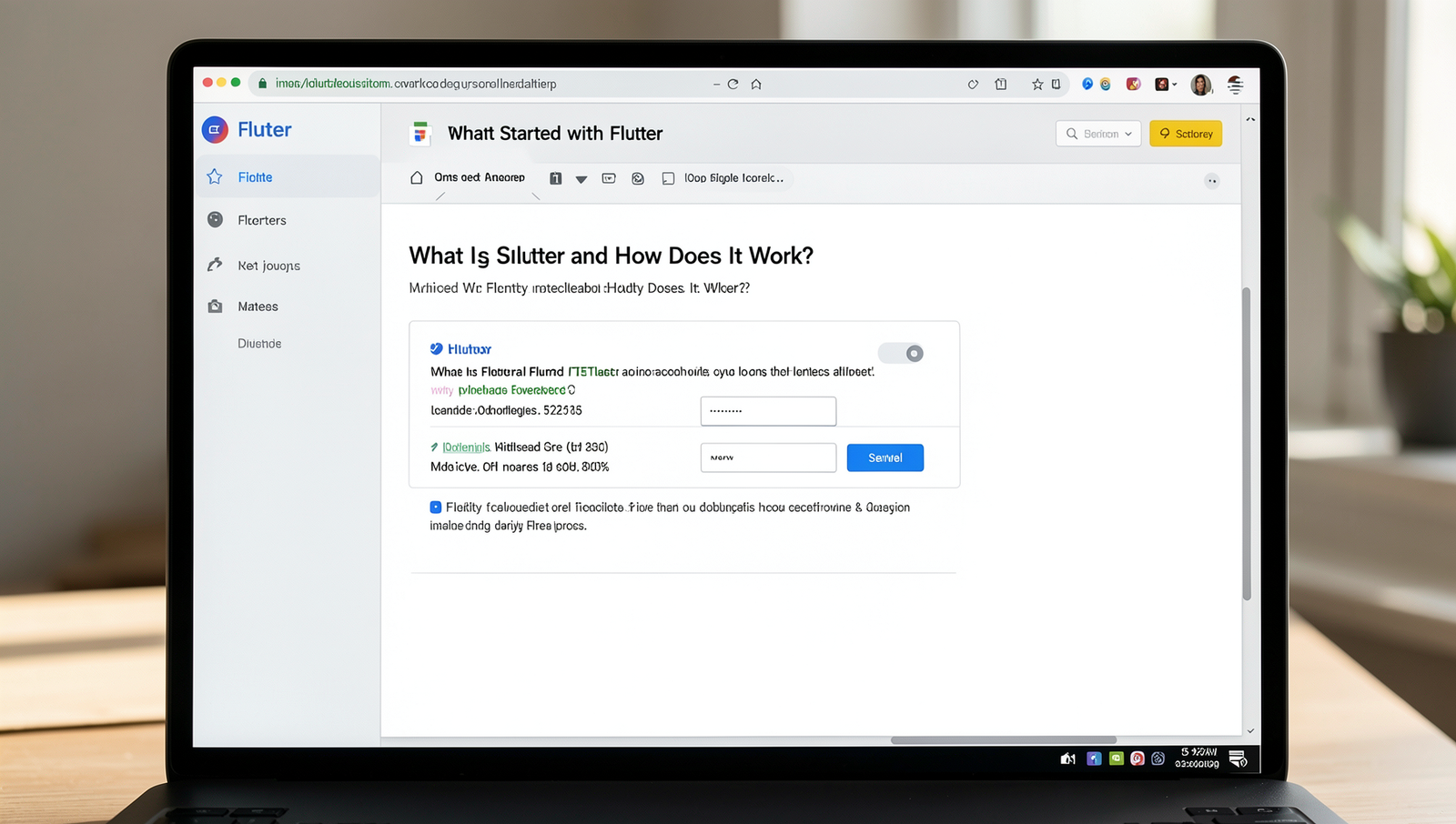
To begin your journey with Flutter, it’s essential to set up the development environment correctly. Flutter is an open-source UI toolkit created by Google, enabling developers to build natively compiled applications for mobile, web, and desktop from a single codebase. Here’s a step-by-step guide to get you started.
First, you need to install the Flutter SDK. Follow these steps:
- Visit the Flutter installation page.
- Select your operating system (Windows, macOS, or Linux).
- Download the Flutter SDK and extract it to a desired location on your machine.
- Add the Flutter tool to your path by modifying your system environment variables.
Once the SDK is installed, you can verify the installation by running the following command in your terminal:
flutter doctorThis command checks your environment and displays a report of the status of your Flutter installation, including any dependencies you may need to install.
To create a new Flutter app, use the following command:
flutter create my_appThis command generates a new Flutter project named “my_app”. To run your app, navigate to the project directory and execute:
cd my_appflutter runFor those looking to learn more about Flutter, there are numerous resources available, including:
- The official Flutter documentation
- Online courses on platforms like Udemy and Coursera
- Community forums and GitHub repositories
By following these steps, you will be well on your way to understanding what is Flutter and how to leverage its capabilities for your app development projects.
Building Your First Flutter App
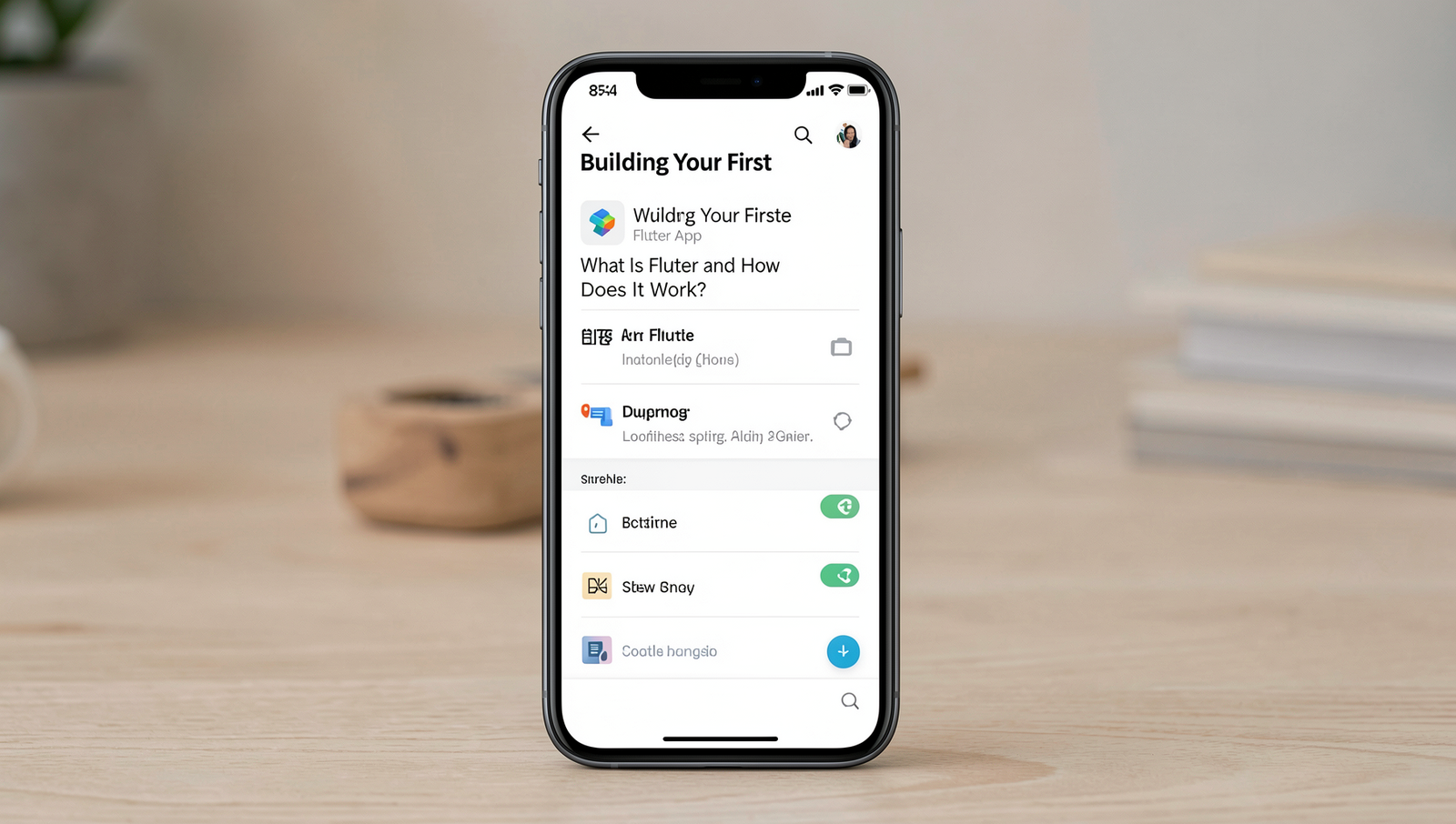
Creating your first Flutter application is an exciting journey into the world of cross-platform development. To start, you need to set up your development environment. Ensure you have Flutter installed on your machine, along with an IDE like Android Studio or Visual Studio Code. Once everything is ready, you can create a new Flutter project using the following command:
flutter create my_first_appNavigate into your project directory with:
cd my_first_appThe main entry point of your application is found in the lib/main.dart file. This file contains the main() function, which is the starting point for your app. Here, you will define your first widget, typically a MaterialApp or CupertinoApp depending on your target platform.
Widgets are the core building blocks of Flutter applications. They can be stateless or stateful. Stateless widgets are immutable, while stateful widgets maintain state that can change during the app’s lifecycle. For example, you can create a simple stateless widget like this:
class MyHomePage extends StatelessWidget {
  @override
  Widget build(BuildContext context) {
    return Scaffold(
      appBar: AppBar(title: Text('My First App')),
      body: Center(child: Text('Hello, Flutter!')),
    );
  }
}
To manage state effectively, consider using the setState method within stateful widgets. This allows you to update the UI dynamically based on user interactions.
When customizing UI elements, explore the wide range of widgets available in Flutter. You can easily modify properties like color, size, and padding. However, beginners should be cautious of common pitfalls such as not properly managing state or overusing nested widgets, which can lead to performance issues.
With these basics, you are well on your way to building your first Flutter app. Experiment with different widgets and functionalities to enhance your application.
Conclusion
In summary, Flutter is a powerful open-source UI toolkit developed by Google that enables developers to create natively compiled applications for mobile, web, and desktop from a single codebase. Its unique architecture, which includes the Dart programming language and a rich set of pre-designed widgets, allows for high-performance applications that maintain a consistent look and feel across different platforms. The hot reload feature significantly enhances the development experience by allowing developers to see changes in real-time, thereby accelerating the design and testing processes.
As you explore what is Flutter, consider the numerous benefits it offers, such as reduced development time and cost, a vibrant community, and extensive documentation. For those interested in diving deeper, the next steps involve setting up your development environment, experimenting with sample projects, and engaging with the Flutter community through forums and online resources. Embracing Flutter can lead to innovative app development and a more streamlined workflow.
Frequently Asked Questions

What is Flutter?
Flutter is an open-source UI software development toolkit created by Google. It allows developers to build natively compiled applications for mobile, web, and desktop from a single codebase. Flutter uses the Dart programming language and provides a rich set of pre-designed widgets.
How does Flutter work?
Flutter works by compiling Dart code to native machine code for high performance on various platforms. It uses a rendering engine to draw widgets on the screen, allowing for smooth animations and transitions. This approach ensures a consistent look and feel across devices.
What are the main features of Flutter?
Flutter boasts several key features, including a hot reload function for quick updates during development, a rich set of customizable widgets, and a strong community support. It also provides excellent performance due to its direct compilation to native code.
Is Flutter suitable for web development?
Yes, Flutter is suitable for web development. It allows developers to create responsive web applications that work seamlessly across different browsers. With its single codebase approach, Flutter simplifies the development process for both mobile and web platforms.